
DYMO LabelWriter 450 Label Printer (1752264)
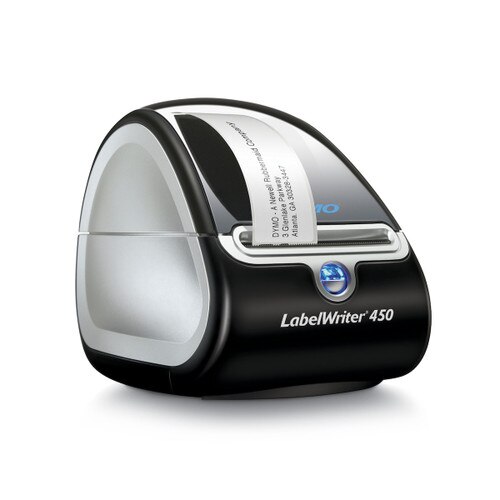
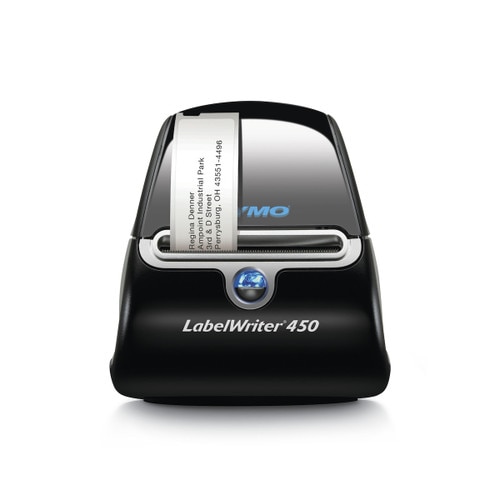
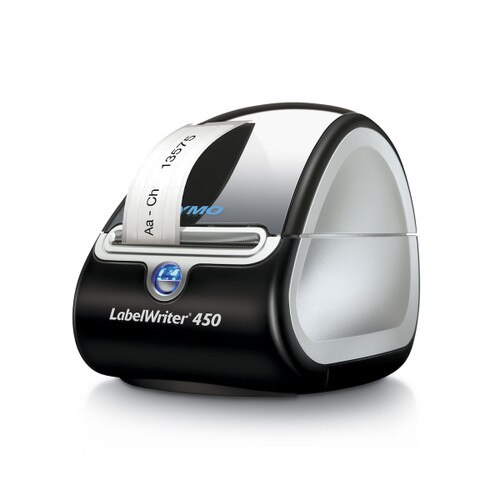
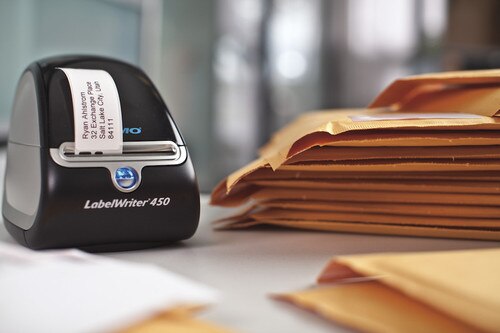
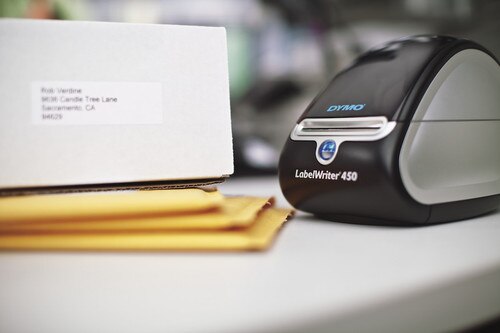
Detailed Description
Detailed Specs
Package Contents
* based on printing a 4-line address label
** need to print 4" x 6" extra large shipping labels? you'll need the Dymo LabelWriter 4XL (click here)
Note : Labelcity is authorized to ship this item to USA and Canada addresses only. We cannot ship this item to any other country.
The Basics
- prints up to up to 51 labels/min
Compatibility
- The Dymo LabelWriter 450 Label Printer is compatible with most Dymo LabelWriter Labels. It isn't compatible with 4" x 6" extra large shipping labels, only the Dymo LabelWriter 4XL prints on this size.
- Click here for the full list of Dymo LabelWriter 450 Labels
Ratings & Reviews
9 reviews
Great price, Great quality
by Jacqueline D. -
Very impressed. Downloading the software and creating a label were very easy. For the price, the quality of the print was fantastic.
Love this product!
by Mandy M -
Love this product! We use these printers for our customers to print visitor badges and they work perfectly!!!
Highly Recommend
by Pat -
Easy installation, have 8 in our office and never had an issue. Does what is suppose to do and quick.
Dymo labelwriter 450 printer
by Monica -
We love this printer. It is so reliable. I use it every day. It is amazing. best price at Label City.
Love This Label Maker
by BJL -
We have 6 of these and we are ordering another. Everyone wants one at their desk to print appointment cards. Fast, easy, and efficient. They work great!
Dymo labelwriter 450 printer
by Monica -
Great little printer. I use it so much to label all the odds and ends thing in our office.
It’s a workhorse
by Felicia -
I use my printer mostly for printing the tiny multi-purpose labels for pricing my items. The labels print very fast. It has never jammed unless I did something wrong. Changing labels is easy. If you just need black and white labels this is a great little labeler.
A Great Little Printer
by Linda C -
We have used these printers for our children's check-in area at our church for over 10 years. They are durable machines and print well. I would recommend them to anyone looking for a reliable label printer.
Reliable Printer
by Sharon S -
We use the DYMO label printer throughout the year. These printers are extremely reliable when we need them for heavy usage in August. Most importantly, we love the customer service from Labelcity.